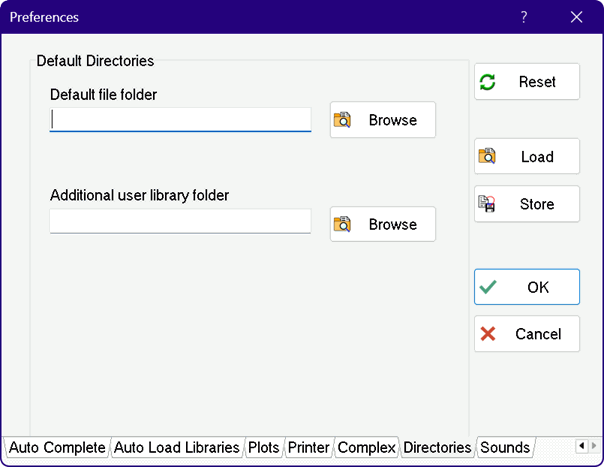
Default Directories Tab
This preferences window allows two default directories to be specified.
Default file folder specifies the folder that EES will use for the Constants.txt, Units.txt and the units list (*.unt) files. This folder will also be the default folder for opening and saving EES files. If this field is left blank, the default file folder will be the same folder as the working directory. The Constants.txt, Units.txt and default units files found in the specified folder will be opened and read, replacing the information that may have been read earlier. If the directory specified in this field does not exist or if no directory is specified, EES will initially use the file folder that EES is located in and thereafter, it will use the last accessed folder. The Default file folder provides a method of allowing each user to have his or her own personal settings although EES may reside on a write-protected network. Note that the Default directory information is stored in the EES.prf file. This file must be loaded in order to determine the default directory information. EES will automatically load the EES.prf file found in the same directory as the EES application. An existing .PRF file can be loaded from any directory with the Load button in the Preferences dialog or with a $INCLUDE directive.
When EES is started, it transparently loads library files from the USERLIB folder (or USERLIB64 for the 64-bit license) located in the directory that the EES application is located in. However, if a valid directory name is provided in the Additional user library folder field, EES will use also open all of the library files in this directory at startup.